

Whether you work from home every day or only occasionally, your workspace can become cluttered surprisingly quickly. Coffee cups accumulate, papers pile up and dust finds its way underneath desks, around cables and into all those places that are difficult to reach. Not to mention crumbs, if you’re a desk snacker (and let’s face it, we all enjoy a during-meeting nibble every now and then).
A regular home office cleaning routine can make your workspace a much nicer place to spend time – and it doesn’t need to take up much of your working day. From decluttering your desk to cleaning your office chair and tackling the floor underneath it, here’s how to give your home workspace a proper clean.
Start by decluttering your desk
Before you start cleaning, clear some space.
Remove old notes, receipts and paperwork you no longer need, throw away rubbish and take any mugs, glasses and plates back to the kitchen.
Next, organise what’s left. Everyday essentials such as pens, notebooks and chargers should be easy to reach, while things you use less frequently can be stored in drawers or containers.
Try to avoid using your desk as a permanent storage space. Spending a couple of minutes clearing it at the end of each working day can prevent clutter gradually building up.
Give your desk a thorough clean
Once the clutter is gone, remove everything you can from the desktop so you can clean the entire surface rather than simply wiping around objects.
Use a cleaning method that’s suitable for your desk’s material, paying particular attention to the areas you touch regularly.
Don’t forget underneath objects that rarely move, such as monitors, desk organisers and lamps. These areas can collect a surprising amount of dust.
While everything is out of the way, empty your desk drawers too. Remove loose debris and clean the inside before reorganising their contents.
Clean your keyboard, mouse and other electronics
Keyboards, mice, monitors and other electronics need a slightly different approach from the rest of your desk.
Always switch off and unplug equipment where appropriate before cleaning it, and follow the manufacturer’s instructions. Avoid spraying ordinary household cleaning products directly onto electronics.
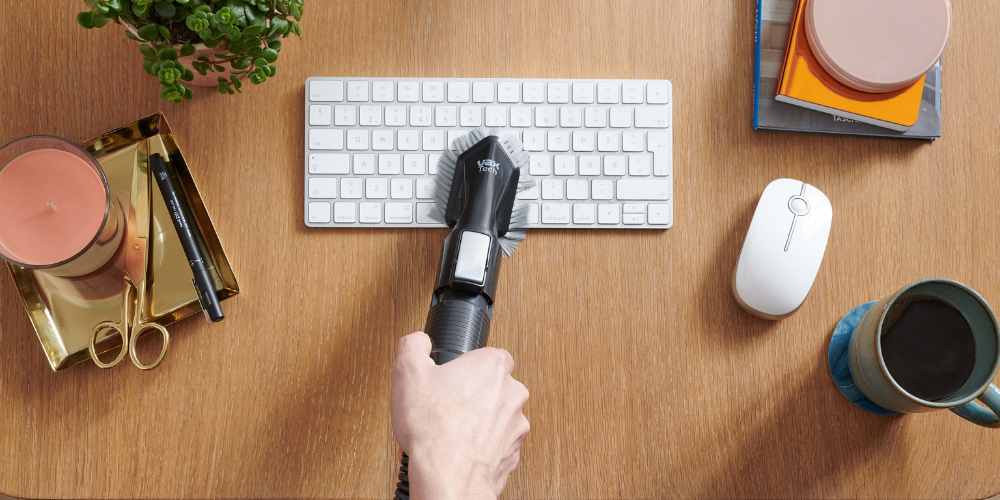
Keyboards can collect crumbs, dust and other debris between the keys, so gently remove loose dirt using a method recommended by the manufacturer.
Remember your other frequently handled equipment too, including headphones, desk phones, tablets and charging accessories.
Get cables under control
A tangle of cables doesn’t just make your workspace look untidy; it can also make cleaning underneath and behind your desk much more difficult.
Work out which cables you actually need, remove any that are no longer being used and organise the rest with appropriate cable ties, clips or a cable-management system.
Keep cables away from areas where they could become a trip hazard or be caught underneath your chair.
Once they’re organised, you’ll find it much easier to vacuum the floor and remove dust from behind your desk.
Vacuum underneath and around your desk
Home offices contain plenty of awkward spaces where dust can accumulate.
Underneath the desk, behind drawers, around chair legs and along skirting boards can all be difficult to reach with a conventional vacuum floorhead.
Start by moving smaller objects out of the way and vacuuming the main floor area. Then use a crevice tool or suitable attachment to tackle room edges, corners and narrow gaps.
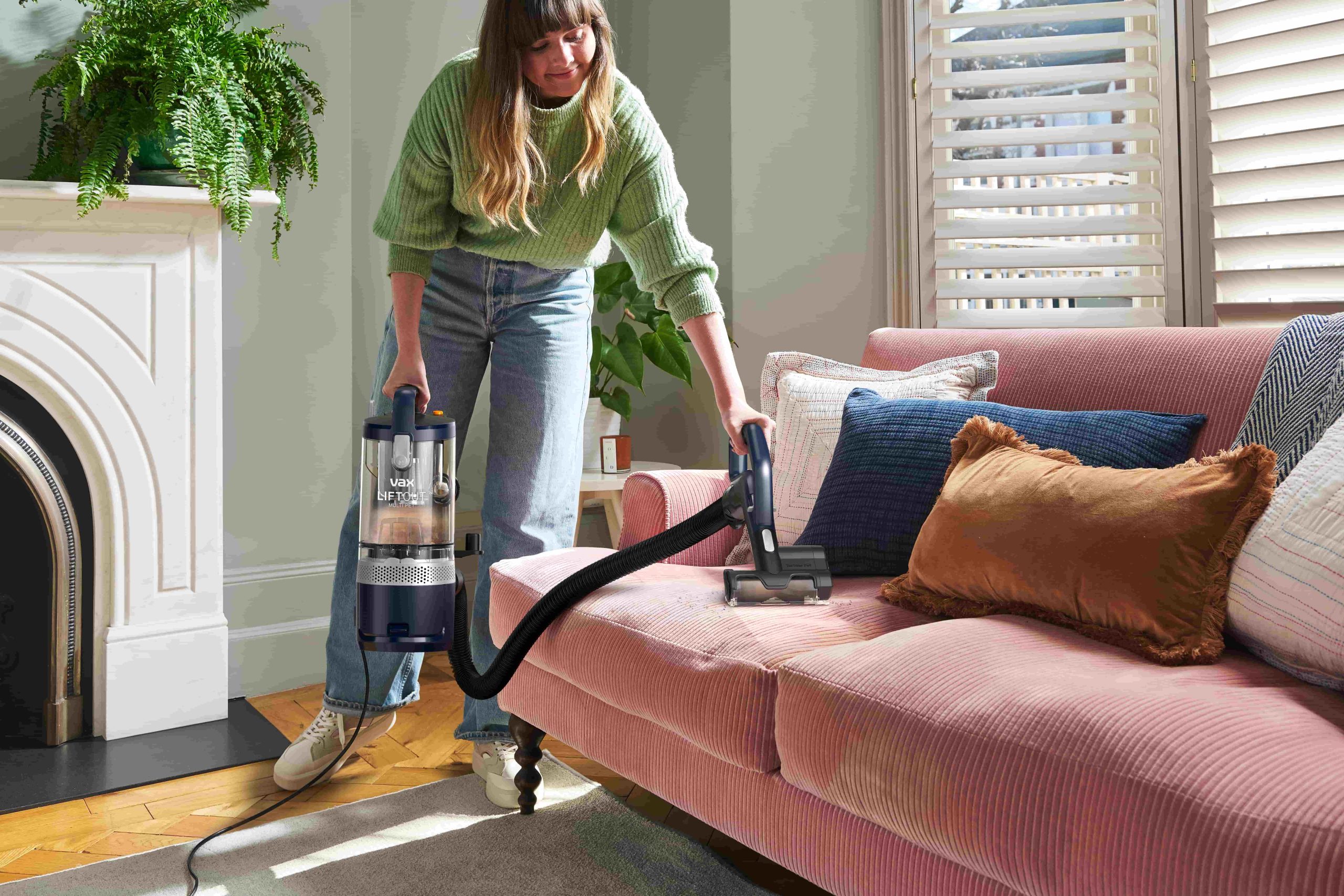
A cordless vacuum can be particularly useful for this type of cleaning because you can move around furniture without having to manage a power cable. The VAX HomePro Cordless Vacuum Cleaner is designed for whole-home cleaning, with FlexiClean helping the floorhead reach underneath low furniture.
Don’t forget to vacuum underneath your office chair before putting everything back.
Clean your office chair
Your office chair probably gets more use than almost anything else in the room, but it can easily be overlooked when you’re cleaning.
How you clean it depends on what it’s made from, so check the manufacturer’s care instructions first.
For suitable fabric chairs, vacuum loose dust, crumbs and hair from the seat and backrest. Pay particular attention to seams and the gap where the seat meets the back.
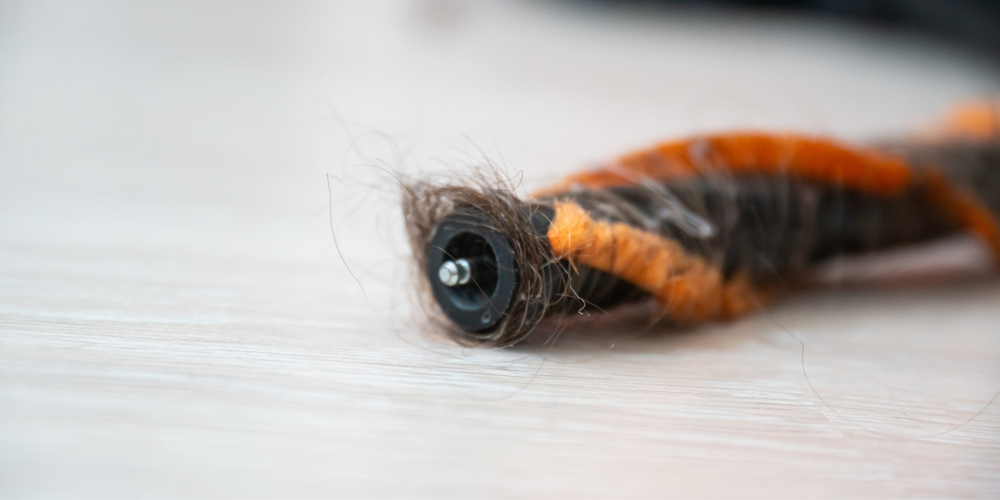
If you have a pet that likes to keep you company while you work, you may find additional hair on the chair and underneath your desk.
Plastic or other suitable hard components can be wiped using an appropriate cleaning product. Remember the base and wheels too – dirt caught around castors can eventually find its way back onto your floor.
Deal with coffee spills and stains quickly
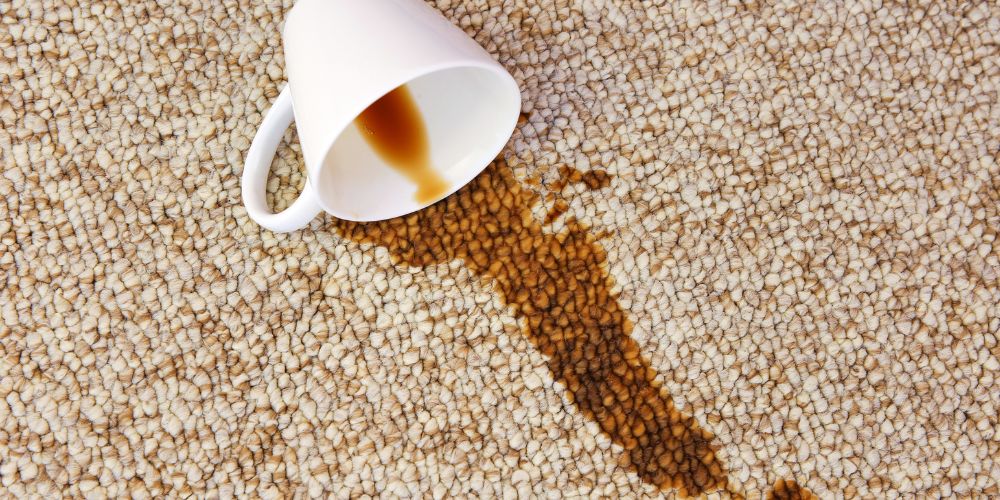
Coffee next to a laptop might be a working-from-home essential, but accidents happen.
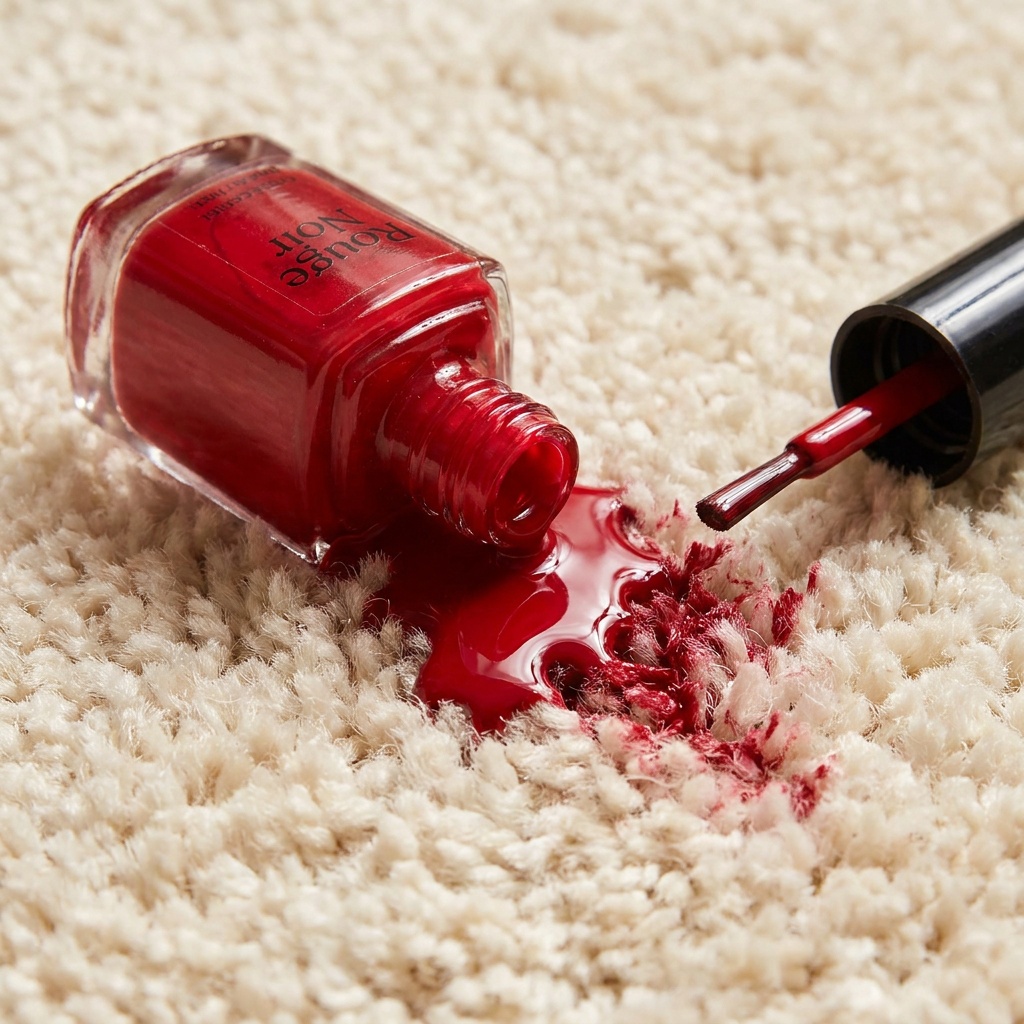
If you spill something, deal with it as soon as it’s safe to do so. Blot liquid rather than rubbing it further into carpet or upholstery, and check the manufacturer’s care instructions before applying any cleaning product.
For suitable carpets and upholstery, a portable spot cleaner can make targeted cleaning easier. The VAX SpotWash range is designed for tackling spills and stains in smaller areas, so you don’t have to clean an entire carpet every time your coffee misses the desk.
Never use a wet-cleaning appliance on electrical equipment, and move electronics and cables safely away from the affected area before dealing with a spill.
Deep clean a carpeted home office
Regular vacuuming should take care of everyday dust, crumbs and debris, but carpets can benefit from a deeper clean periodically.
Start by clearing as much of the floor as possible and vacuuming thoroughly. Move lightweight furniture where practical so you’re not simply cleaning around it.
A carpet cleaner can then wash deeper into the carpet and extract the dirty water. The current Vax range includes machines such as the VAX MAXClean Home Carpet Cleaner, which combines whole-floor cleaning with an onboard hose and handheld tool for more targeted jobs around the home.
Always check your carpet manufacturer’s care instructions before wet cleaning, and allow the carpet to dry properly before replacing furniture and electrical equipment.
Look after hard floors in your office space
If your office has hard flooring, regular vacuuming will help remove loose dust and debris, particularly around your desk and chair.
For a deeper clean, use a cleaning method appropriate for your particular floor type.
A dedicated hard floor cleaner can make larger areas easier to tackle. Vax’s ONEPWR Glide 2 cordless hard floor cleaners vacuum, wash and dry hard floors at the same time while keeping clean and dirty water separate.
Pay particular attention to the area underneath your office chair and around the desk, where everyday traffic can leave dirt and marks behind.
Don’t forget the places above your desk
Floors and desks aren’t the only places that collect dust.
Look upwards and you’ll probably find several other areas that don’t get cleaned very often: shelves, picture frames, lampshades, blinds and the tops of cabinets can all gather dust. Work from the top of the room down, and clean higher surfaces first and vacuum the floor afterwards so you can pick up anything that’s fallen while you work.
If you have bookshelves, periodically remove books and objects rather than continually dusting around them.
Make home office cleaning part of your routine
A home office is much easier to keep clean if you don’t wait until it needs a major tidy.
At the end of each working day, take away cups and plates, dispose of rubbish and put your essential items back where they belong. Once a week, give your desk and equipment some attention and vacuum the floor, including underneath and around your furniture.
Then periodically tackle the jobs that don’t need doing as often, such as organising drawers, cleaning behind furniture and deep cleaning carpets or hard floors.
A few minutes of regular maintenance can save you from spending an entire weekend trying to reclaim your desk from several months of clutter – leaving you with a cleaner, more comfortable space to work in.




 Vax Staff